Case study
Biopole
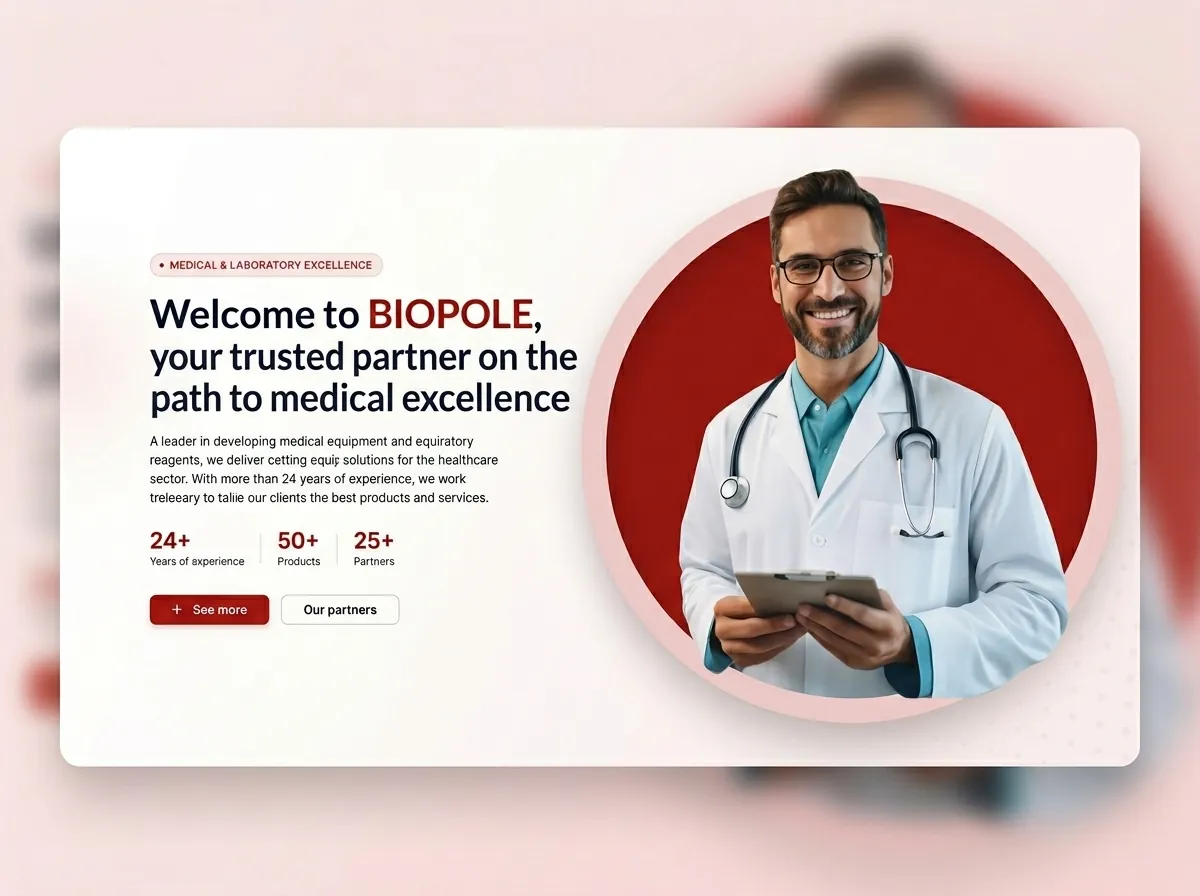
Overview
Biopole is a corporate website for a company specializing in medical equipment. The website was built to present the company's products, organize them into categories, and showcase its brands and partners.
I worked directly with the client as a freelance UI/UX Designer, Full-Stack Developer, and DevOps Engineer, handling the project from the initial design phase through development, deployment, and SEO setup.
UI/UX Design
I started the project by designing the responsive web application in Figma.
The design process included:
- Low-fidelity wireframes
- High-fidelity designs
- Responsive layouts
- Client presentations
- Design revisions based on client feedback
- Final design validation
I worked directly with the client throughout the design process, collecting feedback and iterating on the designs before moving to development.
Once the final design was approved, I moved on to implementation.
Design process
Website
The website provides visitors with an organized way to explore the company's medical equipment and learn more about its products, categories, and partners.
The content is available in both French and English, allowing the company to serve both local and international visitors.
The website includes:
- Product catalogue
- Product categories
- Product subcategories
- Product descriptions
- Partner and brand pages
- Multilingual content
- Responsive design
Admin Portal
I also developed an administration portal that allows the company to manage the website content without requiring developer intervention.
Administrators can manage:
- Products
- Product descriptions
- Categories
- Subcategories
- Partners and brands
- French and English content
The admin portal provides the company with a centralized way to maintain its product catalogue and website content.
Content management
Backend
The backend was developed using NestJS, GraphQL, TypeORM, and PostgreSQL.
GraphQL was used as the API layer between the frontend and backend, while TypeORM was used for database access and entity management.
The backend provides the APIs required by both the public website and the administration portal.
GraphQL
Deployment
I was also responsible for deploying the application and setting up its production environment.
The deployment stack included:
- Docker
- Docker Compose
- Nginx
- Certbot
- GitHub Actions (CI/CD)
Docker and Docker Compose were used to containerize and manage the application services.
Nginx was configured as the web server and reverse proxy, while Certbot was used to configure and maintain HTTPS certificates.
I also implemented a CI/CD pipeline with GitHub Actions to automate builds and deployments.
Production
SEO & Analytics
After deploying the website, I handled the initial search engine and analytics setup.
This included:
- Google Search Console
- Bing Webmaster Tools
- XML sitemaps
- Google Analytics
- SEO-friendly page structure
- Metadata optimization
- Search engine indexing setup
I also applied SEO best practices during development to improve the website's crawlability, structure, and search visibility.
My Role
Freelance UI/UX Designer & Full-Stack Developer
I handled the project end-to-end, working directly with the client from the initial design stage through production deployment.
My responsibilities included:
- Gathering requirements directly from the client
- Designing the responsive interface in Figma
- Creating low-fidelity wireframes
- Creating high-fidelity designs
- Iterating on designs based on client feedback
- Developing the frontend with Angular
- Developing the backend with NestJS
- Building the GraphQL API
- Designing the database structure
- Working with TypeORM and PostgreSQL
- Developing the administration portal
- Implementing multilingual content management
- Containerizing the application with Docker
- Managing the production environment with Docker Compose
- Configuring Nginx
- Setting up HTTPS with Certbot
- Implementing CI/CD with GitHub Actions
- Configuring Google Search Console
- Configuring Bing Webmaster Tools
- Creating XML sitemaps
- Integrating Google Analytics
- Applying SEO best practices
Technology
Design
- Figma
Frontend
- Angular
- TypeScript
Backend
- NestJS
- Node.js
- GraphQL
Database
- PostgreSQL
- TypeORM
DevOps
- Docker
- Docker Compose
- Nginx
- Certbot
- GitHub Actions
SEO & Analytics
- Google Search Console
- Bing Webmaster Tools
- Google Analytics
- XML Sitemaps
Links
Related projects
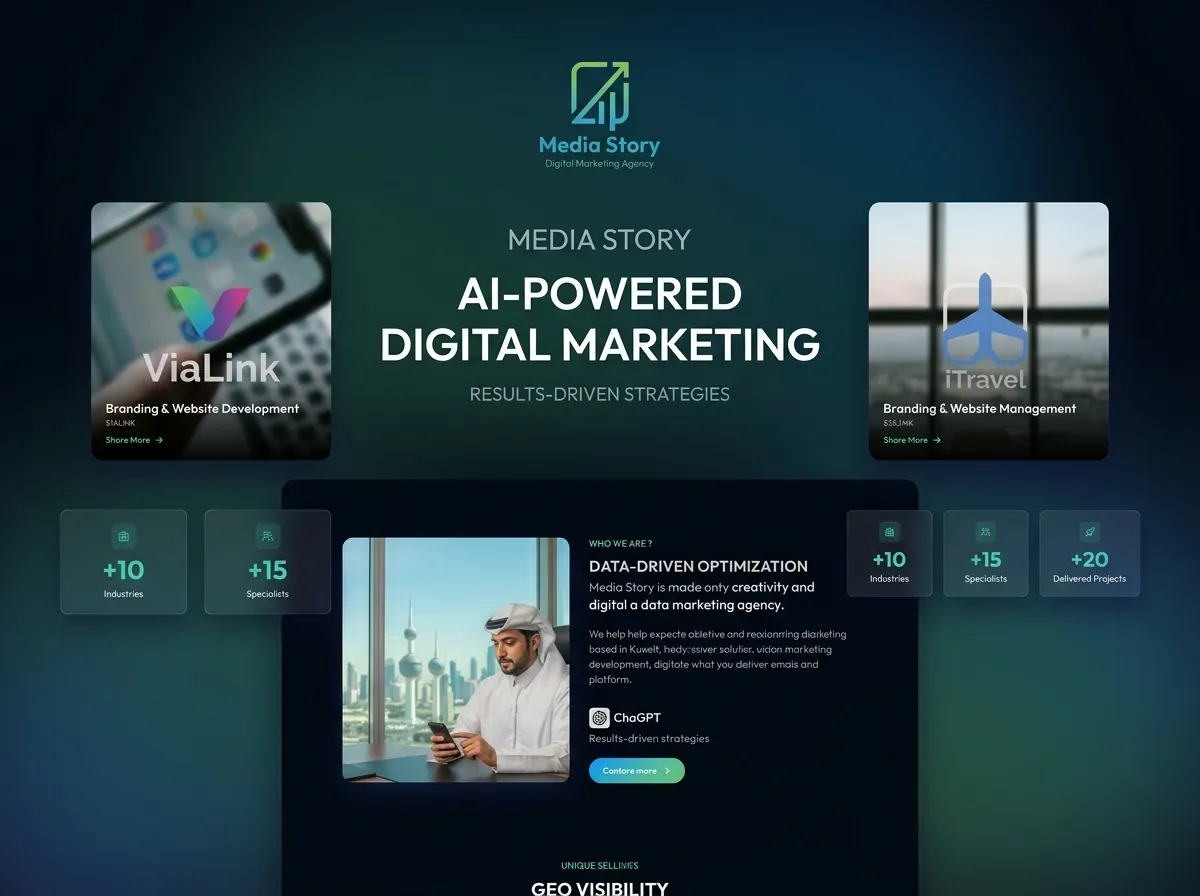
Media Story
Media Story is a responsive multilingual corporate website delivered as a static frontend in one week. I handled UI design, React/Vite development, SEO and GEO, analytics, CI/CD with GitHub Actions, and Docker deployment to a Linux VPS.
View case study →
Tutosh
Tutosh is an e-learning platform with a marketplace and a Live Classroom. I owned the Live Classroom, leading its migration from Express.js and jQuery to NestJS and Angular in under three months, and rebuilt real-time video, chat, whiteboard, and collaborative tools with OpenVidu, Socket.IO, GraphQL, and PostgreSQL.
View case study →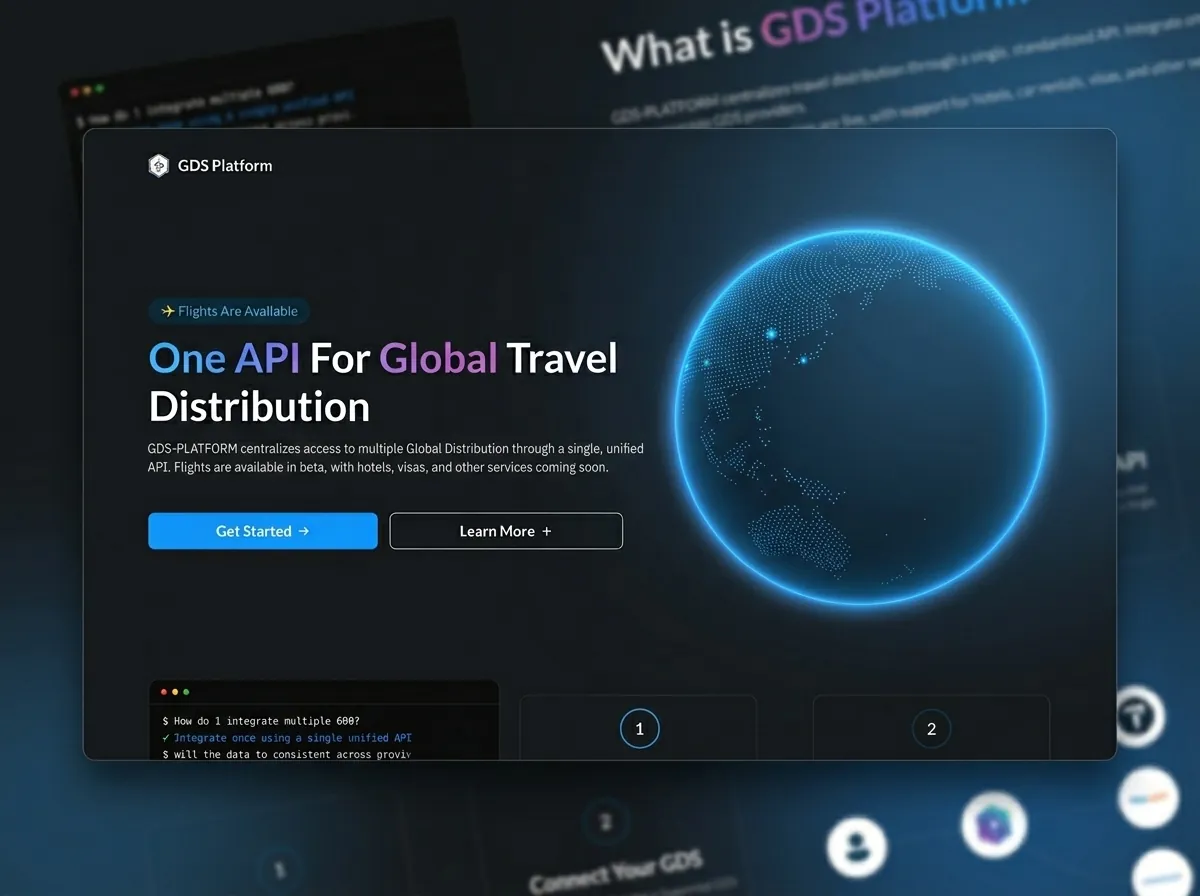
GDS Platform
GDS Platform is a private B2B travel integration layer that gives clients a single API for multiple providers. I founded the idea and built the platform end to end: Nx monorepo, React/Vite frontend, NestJS microservices, provider mappers, API keys, and MCP, while working with DevOps on AWS.
View case study →