Case study
Media Story
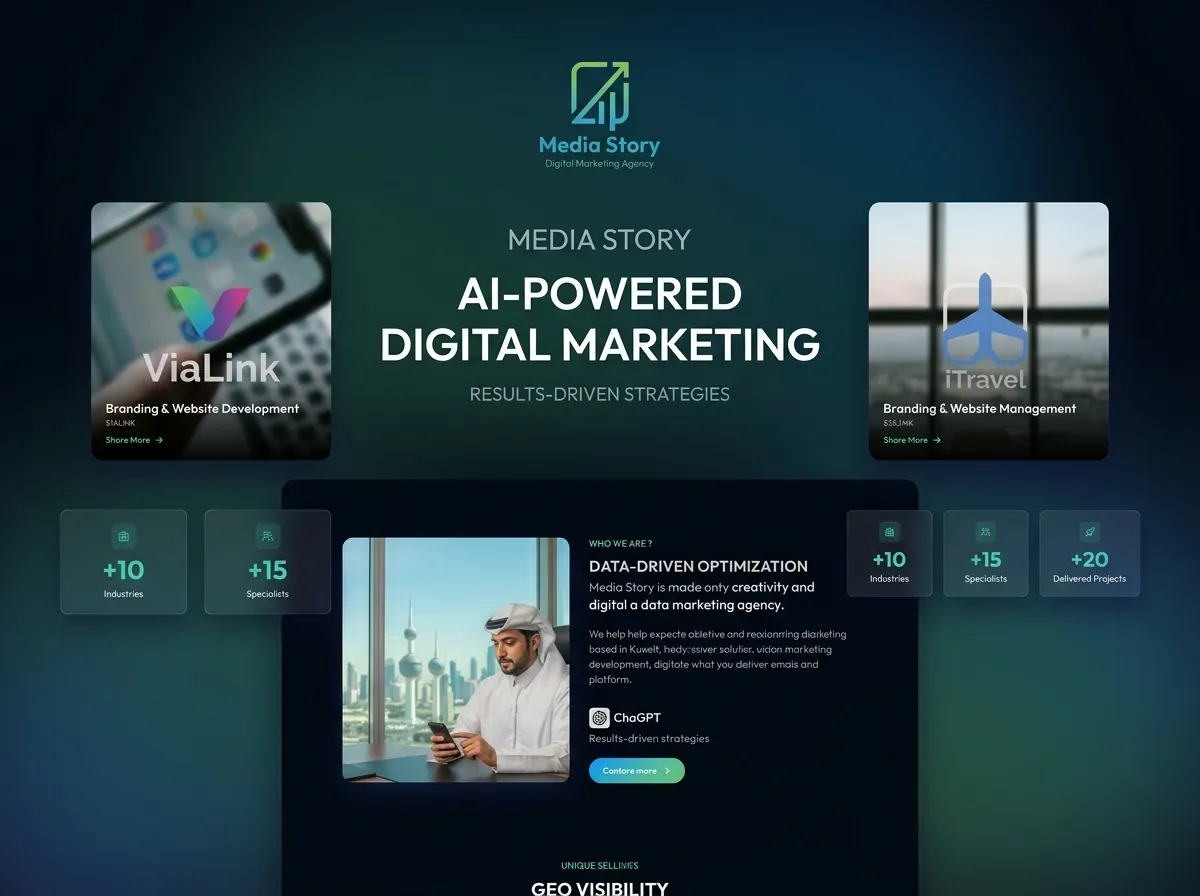
Overview
Media Story is a responsive multilingual corporate website built to present the company's services and information online.
The project was delivered as a static frontend application, with a strong focus on performance, search visibility, multilingual support, and production deployment.
I handled the project independently, including the UI design, frontend development, SEO and GEO setup, analytics, CI/CD, and deployment.
The complete implementation and production setup were delivered in one week.
UI/UX & Frontend Development
I designed the website and developed the frontend using React and Vite.
The website was built to be fully responsive across different screen sizes and supports multiple languages with both left-to-right (LTR) and right-to-left (RTL) layouts.
The implementation included:
- Responsive layouts
- Multilingual content
- LTR and RTL support
- Reusable React components
- SEO-friendly page structure
Design to frontend
SEO & GEO
SEO was a major focus throughout the development rather than something added after the website was finished.
I worked on the technical foundations required for search engines to discover, crawl, and understand the website.
This included:
- Semantic HTML structure
- Page metadata
- XML sitemaps
- robots.txt
- Canonical URLs
- Search engine indexing
- Google Search Console
- Bing Webmaster Tools
I also worked on Generative Engine Optimization (GEO) to improve how the website's content can be understood and surfaced by AI-powered search and answer engines.
Discoverability
Analytics & Tracking
The website was connected to:
- Google Analytics
- Google Tag Manager
- Google Search Console
- Bing Webmaster Tools
These tools provide visibility into website traffic, user behavior, search performance, and indexing.
CI/CD
I created the CI/CD pipeline using GitHub Actions.
The workflow automates the build and deployment process, reducing the need for manual deployment steps when changes are pushed to the repository.
Automated pipeline
Deployment
The website was deployed to a Linux VPS using a containerized production setup.
The deployment stack included:
- Docker
- Docker Compose
- Nginx
- Certbot
- Linux VPS
Nginx was used as the reverse proxy and web server, while Certbot was used to configure HTTPS.
Production
My Role
UI/UX Designer & Frontend Developer
I handled the project independently from design through production deployment.
My responsibilities included:
- Designing the website
- Developing the frontend with React and Vite
- Implementing responsive layouts
- Implementing multilingual support
- Implementing LTR and RTL layouts
- Applying technical SEO best practices
- Implementing GEO practices
- Creating XML sitemaps
- Configuring robots.txt
- Setting up canonical URLs
- Registering the website with Google Search Console
- Registering the website with Bing Webmaster Tools
- Integrating Google Analytics
- Configuring Google Tag Manager
- Creating the CI/CD pipeline with GitHub Actions
- Containerizing the application with Docker
- Configuring Docker Compose
- Configuring Nginx
- Setting up HTTPS with Certbot
- Deploying the website to a Linux VPS
The complete project, including the production deployment and CI/CD setup, was delivered in one week.
Technology
Design
- Figma
Frontend
- React
- Vite
- TypeScript
SEO & GEO
- Technical SEO
- GEO
- XML Sitemaps
- robots.txt
- Canonical URLs
- Google Search Console
- Bing Webmaster Tools
Analytics
- Google Analytics
- Google Tag Manager
CI/CD
- GitHub Actions
Deployment
- Docker
- Docker Compose
- Nginx
- Certbot
- Linux VPS
Links
Related projects
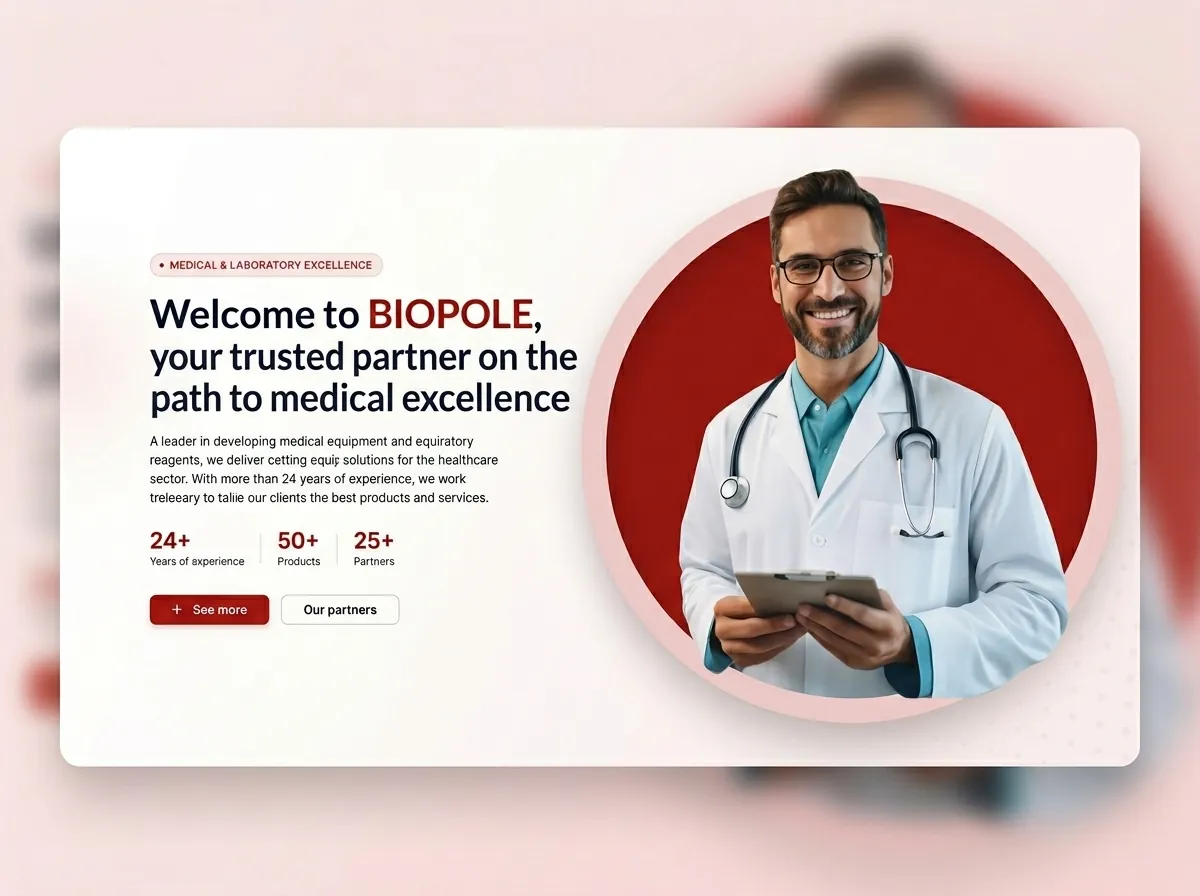
Biopole
Biopole is a corporate website for a medical equipment company. As freelance UI/UX designer, full-stack developer, and DevOps engineer, I handled the project end to end from Figma design through Angular, NestJS, GraphQL, PostgreSQL, Docker deployment, CI/CD with GitHub Actions, and SEO setup.
View case study →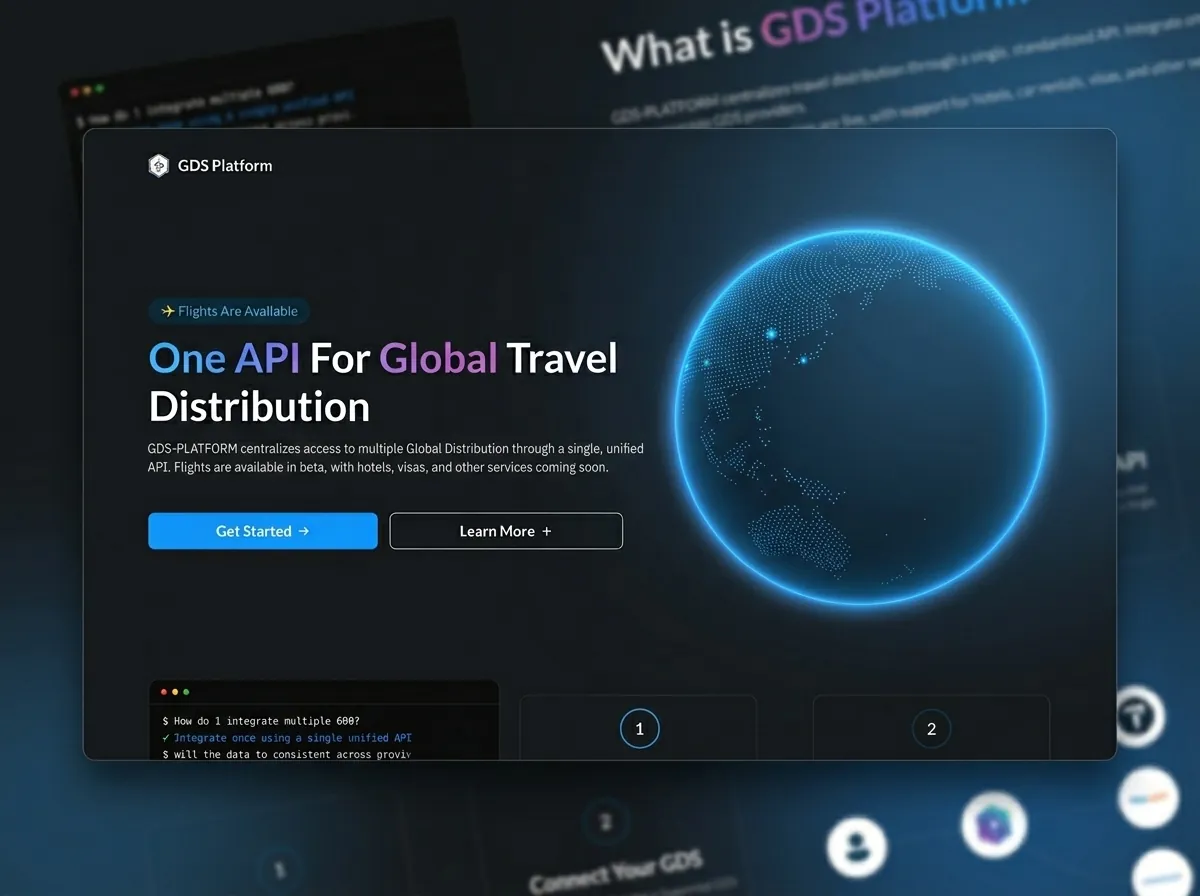
GDS Platform
GDS Platform is a private B2B travel integration layer that gives clients a single API for multiple providers. I founded the idea and built the platform end to end: Nx monorepo, React/Vite frontend, NestJS microservices, provider mappers, API keys, and MCP, while working with DevOps on AWS.
View case study →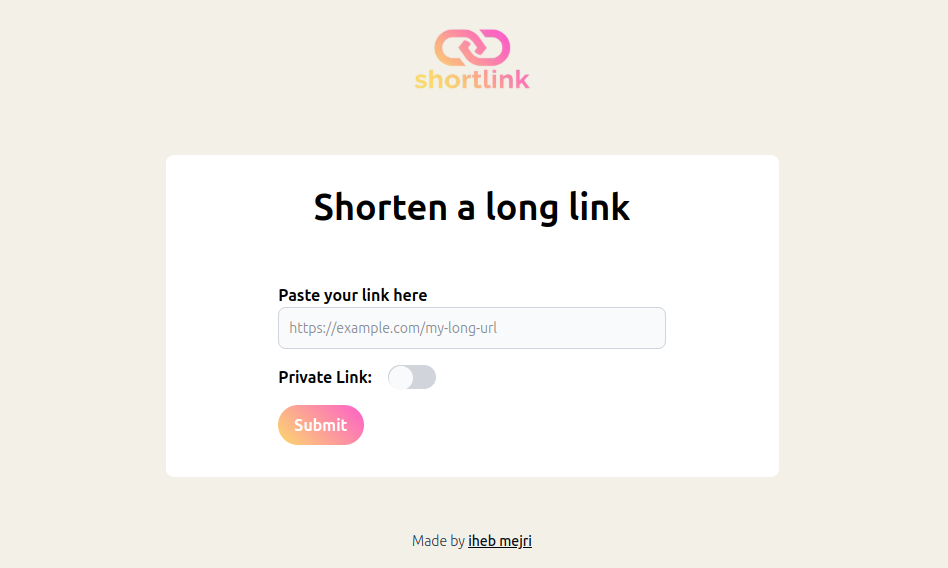
ShortLink
ShortLink is an open-source URL shortener built with Vite, React, and Tailwind CSS on the frontend and Node.js, TypeScript, and MongoDB on the backend, featuring a REST API, secure link management, and Docker + Nginx deployment.
View case study →